
Customers
Keep a record of who buys from you and who supplies you, what each customer owes, and any money they have left with you.
- Where to find it
- Customers
- Who can use it
- Roles that can see customers. Customer wallets are on the Premium plan and above.
What is in the Customers menu
- Dashboard: customers at a glance.
- Customer List: everyone.
- Add Customer.
- Customer Groups.
- Suppliers.
- Customer reports.
Add a customer
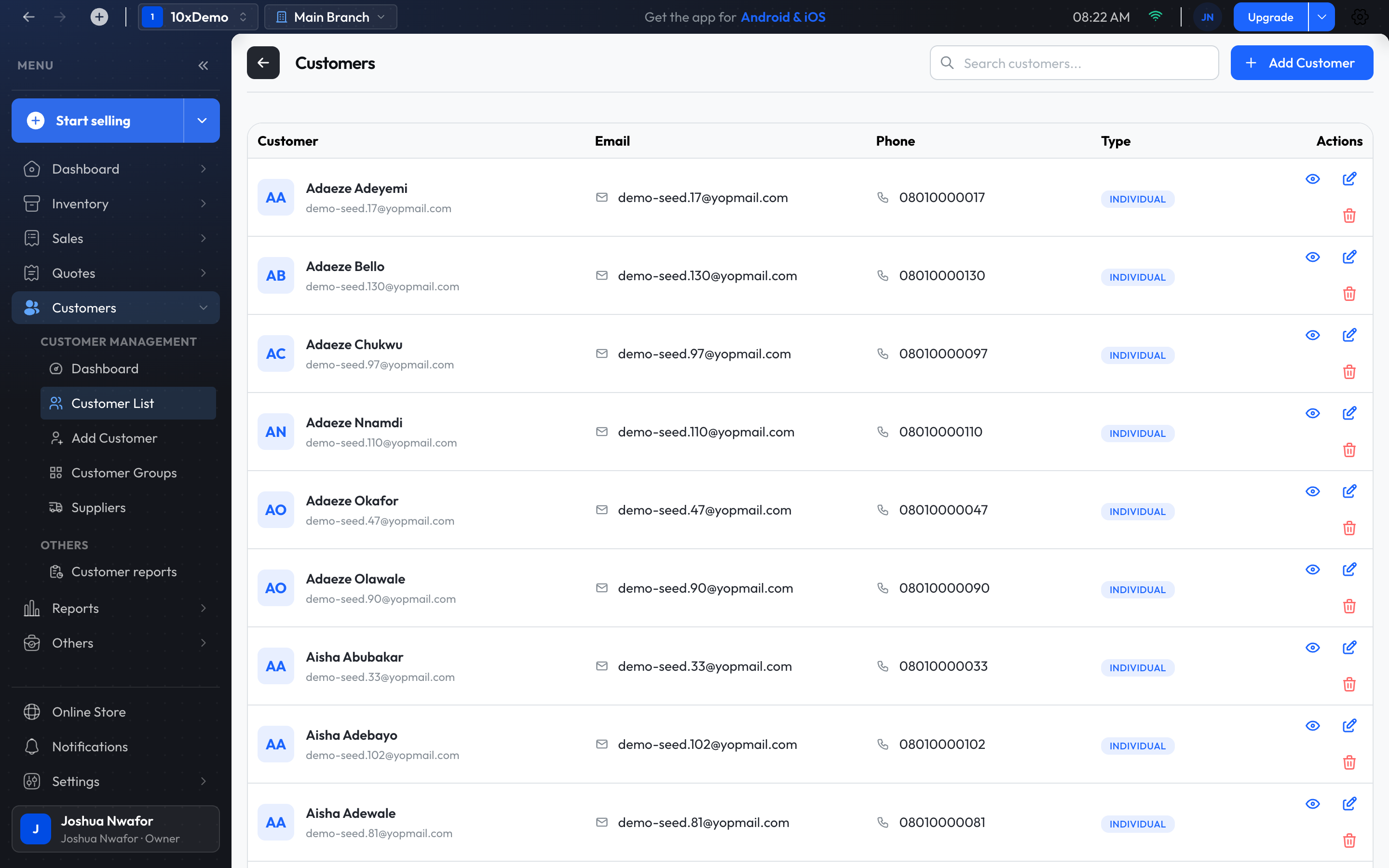
- Choose Customers → Add Customer. At the checkout, the + beside the customer box does the same.
- Enter the name and choose the type: Individual, Business or Supplier.
- Add the phone number, email and address, and save.
Tip
To add many customers at once, import them from a spreadsheet. See Import Data.
Suppliers
A supplier is a customer of type Supplier. Open Customers → Suppliers and choose Add Supplier. Suppliers are who you pick when you receive stock or raise a supplier case.
A customer's page
Open a customer from the Customer List. Their page shows their details, their balance, their wallet, and their Transaction History, with View All Invoices. Edit Customer changes their details.
What a customer owes
When a customer buys on credit or pays part of an invoice, the rest is their balance.
Take a payment against the balance
- On the customer's page, choose Clear Balance. It shows Total Outstanding and Total Overdue.
- Choose the Payment Method and enter the Amount to Clear. It can be less than the full balance.
- Confirm.
The payment is applied to their unpaid invoices, the most overdue first. To pay off one particular invoice instead, open that invoice and use Add in its Payments panel.
Statements and who owes what
- Reports → Customer statement: one customer's invoices and payments, to print or export for them.
- Reports → Debtors aging: everyone who owes you, grouped by how late they are: not yet due, 1–30, 31–60, 61–90 and over 90 days. Pick a customer there and choose Statement.
Customer wallet
A wallet holds money a customer has left with you, such as a deposit or store credit.
- Fund Wallet: add money. Enter the amount, how they paid, and a reference or note.
- Debit Wallet: take money out.
- View history: every credit and debit.
Customer groups
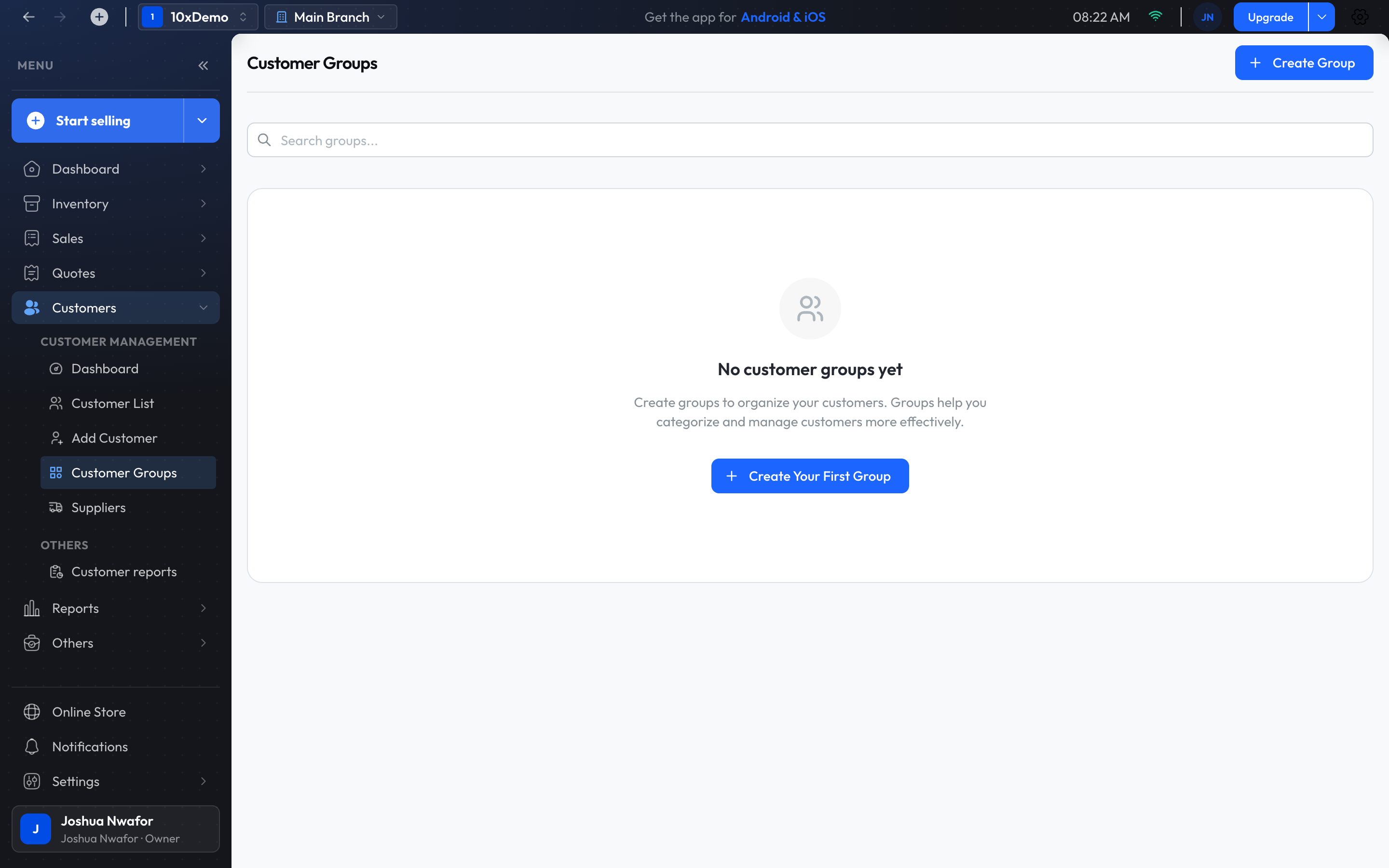
- Open Customers → Customer Groups and choose Create Group.
- Give the group a name and description.
- Open the group and add customers with Add members....
A group's Actions menu has Edit Group, Export Members and Delete Group.
Related
Still stuck? Contact support.